For all of its so-called sophistication, digital signage is pretty archaic in its workflows. Enterprise platforms like Broadsign and Mandoe are super slick and just as expensive for what really amounts to a glorified slideshow with scheduling. I've used these products extensively in my career and I know first-hand how over-complicated they can be - even if you're JCDecaux or oOh!media.
At the other end of the scale, anyone who has run even the simplest digital signage campaign knows too well the workflow that has quietly wasted everyone's time for years. You build something nice in Canva - because Canva is where the templates, the brand fonts and the drag-and-drop simplicity already live - and then you export it and download the finished file. Next you log into your signage platform (likely some old version of Windows), upload and schedule it. Then the CMO spots a typo in your shiny new artwork or latest regional offer, and you do the whole painful loop again.
Fusion Signage has now cut that loop out. Its new Canva integration lets you design in Canva and publish straight to screens without the export, download and re-upload shuffle in the middle. The pitch is refreshingly plain: design in Canva, send to Fusion Signage, go live. No middle steps pretending to be work.
What Actually Changes
The connection itself is a two-step affair. You log into Fusion Signage, head to the Manage section, click Add, then Canva, which sends you to your Canva account. Once your design is ready you click Return to Fusion Signage, and the Canva asset simply appears alongside your other media. From there it behaves like any other item: drop it into playlists, schedule it, update it whenever you like, and push it to one screen, one venue or thousands of screens across a network.
That last part is where this stops being a convenience and starts being an operational win. Removing a couple of minutes from a single update is nice. Removing it from every update, across every screen, for a team managing multiple campaigns at once, adds up fast. This is exactly the kind of friction that never shows up on a feature list but quietly eats hours.
The other thing it kills is version chaos. When your design lives in one platform and your signage lives in another. Thanks to network lag and caching, you end up with two libraries, two "latest" versions, and the inevitable moment where the wrong one goes live. Editing directly through the Canva connection means one source of truth and fewer chances to publish last week's promo by mistake. Fusion Signage also makes the point that it removes the need for extra design training, since the people who know the brand best can keep working in the tool they already know.
Who This is Really For
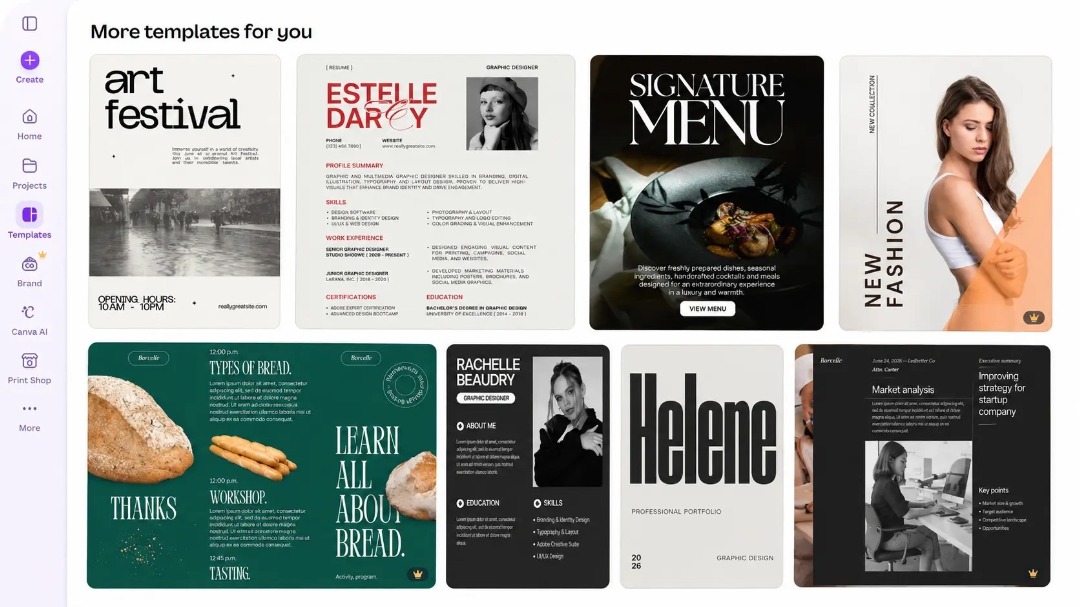
The obvious winners are the teams juggling lots of screens and frequent changes. Retail chains rolling promotions across dozens or hundreds of locations while trying to keep branding consistent. Hospitality venues updating menus, specials and announcements on the fly. Schools, where Canva is already deeply embedded and Canva for Education makes it an easy fit. Corporate internal comms teams who want workplace screens to look sharp without booking a designer every time.
None of that is revolutionary on its own. What Fusion Signage has done well here is recognise that content creation and content distribution have historically been two separate jobs, handled by two separate systems, joined by a human doing repetitive manual work. Collapsing those into one connected process is the sensible move, and it's a little surprising it took this long across the industry.
One Caveat
Here's the part the press release won't dwell on: this integration is only as good as your discipline in Canva. The friction it removes was also, in its clumsy way, a checkpoint. When publishing to a screen is now this frictionless, a half-finished or off-brand design can hit a wall of displays just as quickly as a polished one. Speed cuts both ways, and teams that were relying on the old export step as a de facto "are we sure about this" moment will want to build that review back in deliberately.
It's also worth being clear about scope. This is a workflow convenience, not a reinvention of what either platform does. If your signage headaches are about hardware reliability, network management or content strategy, this integration doesn't touch any of that. It solves one specific, real problem, and it solves it cleanly.
For context, Fusion Signage is Australian-built and says it runs over 20,000 screens across Australia and New Zealand for more than 5,000 businesses. For anyone already inside that ecosystem who also lives in Canva, this is a straightforward upgrade to daily life. You can start using it immediately from within your Fusion Signage account. If you're not on Canva yet, it lowers the barrier to getting decent-looking content onto screens without needing a design background. Either way, it's the kind of quietly practical feature that earns its keep the second time you use it.